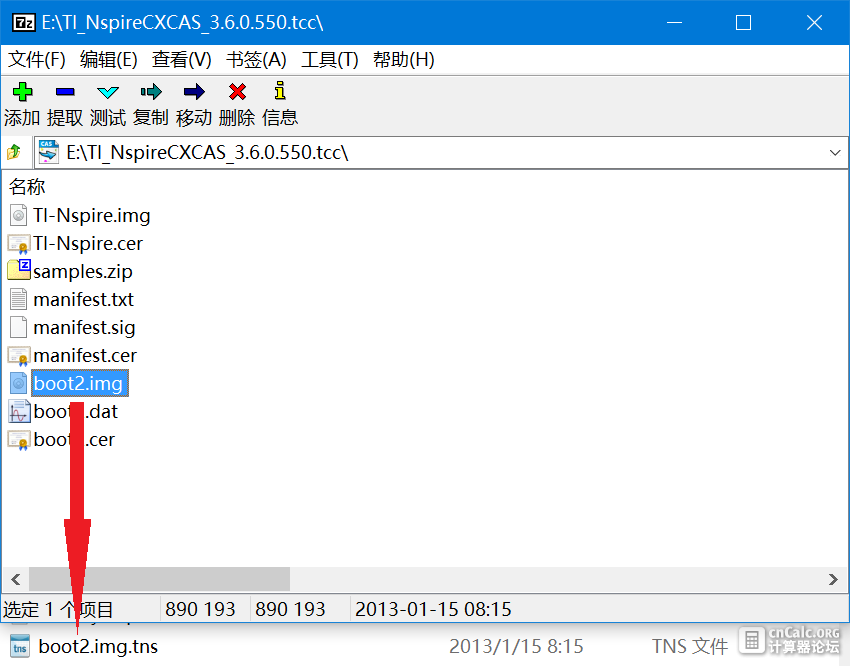
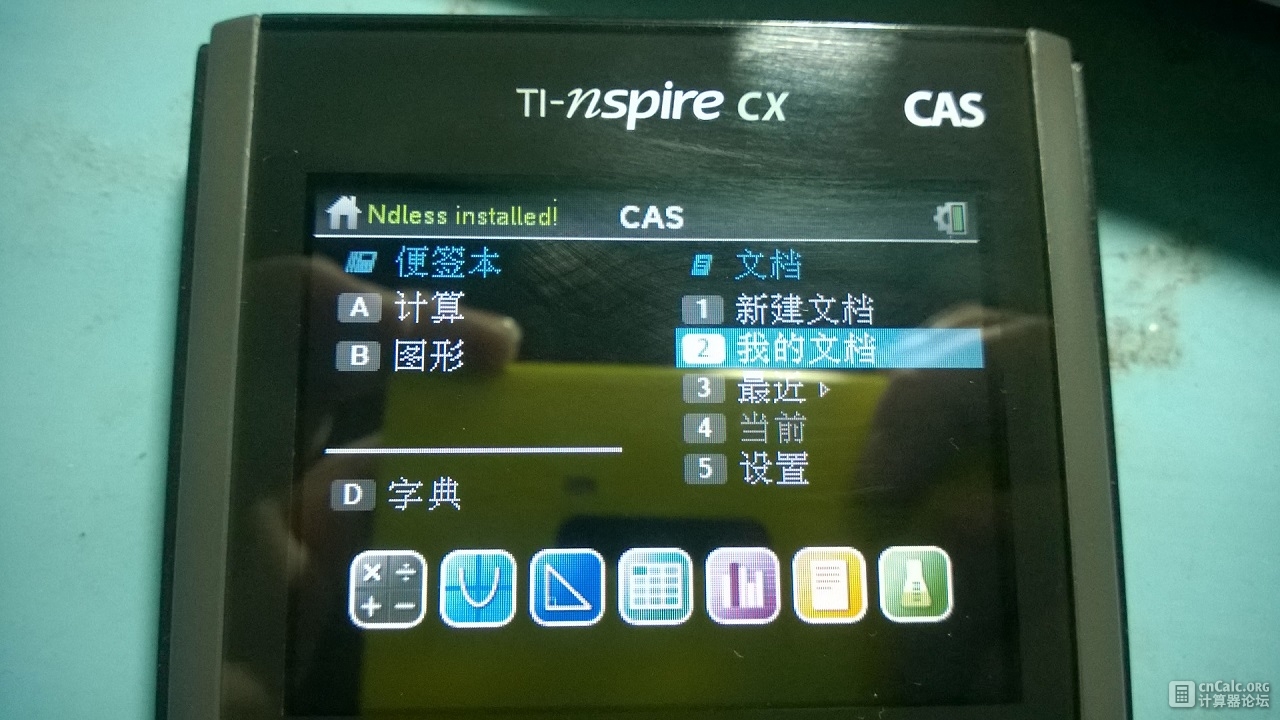
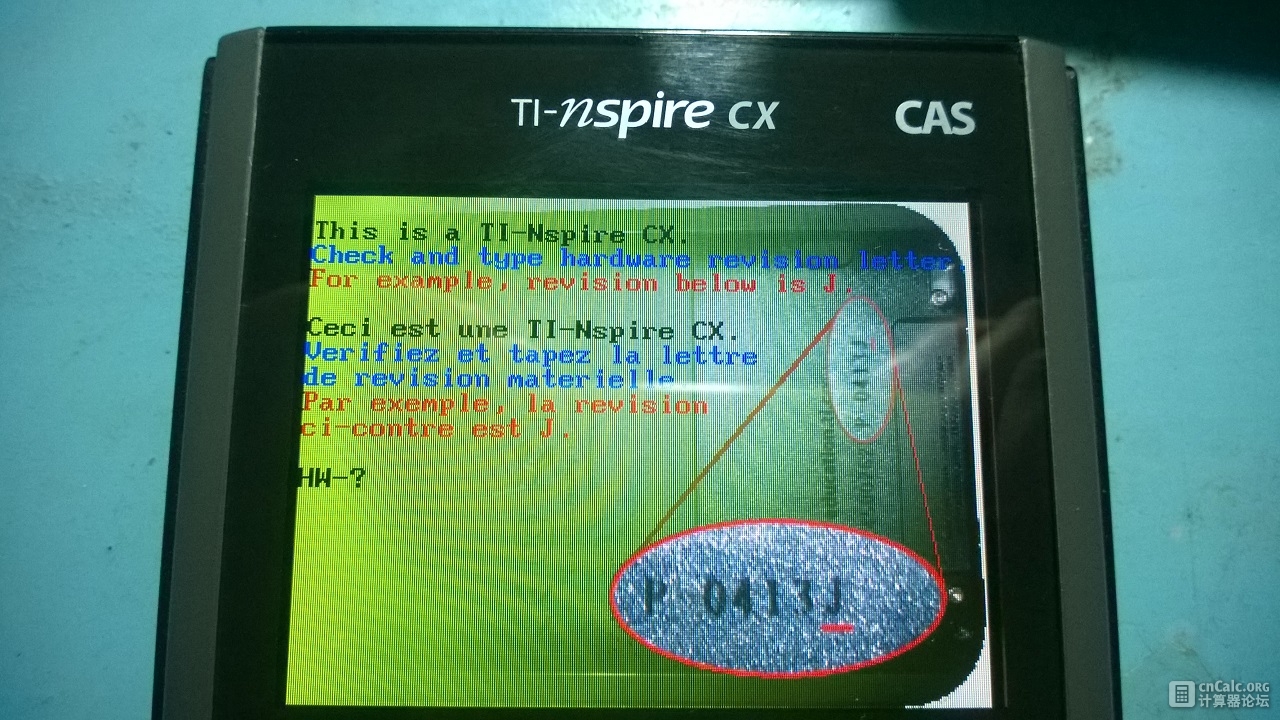
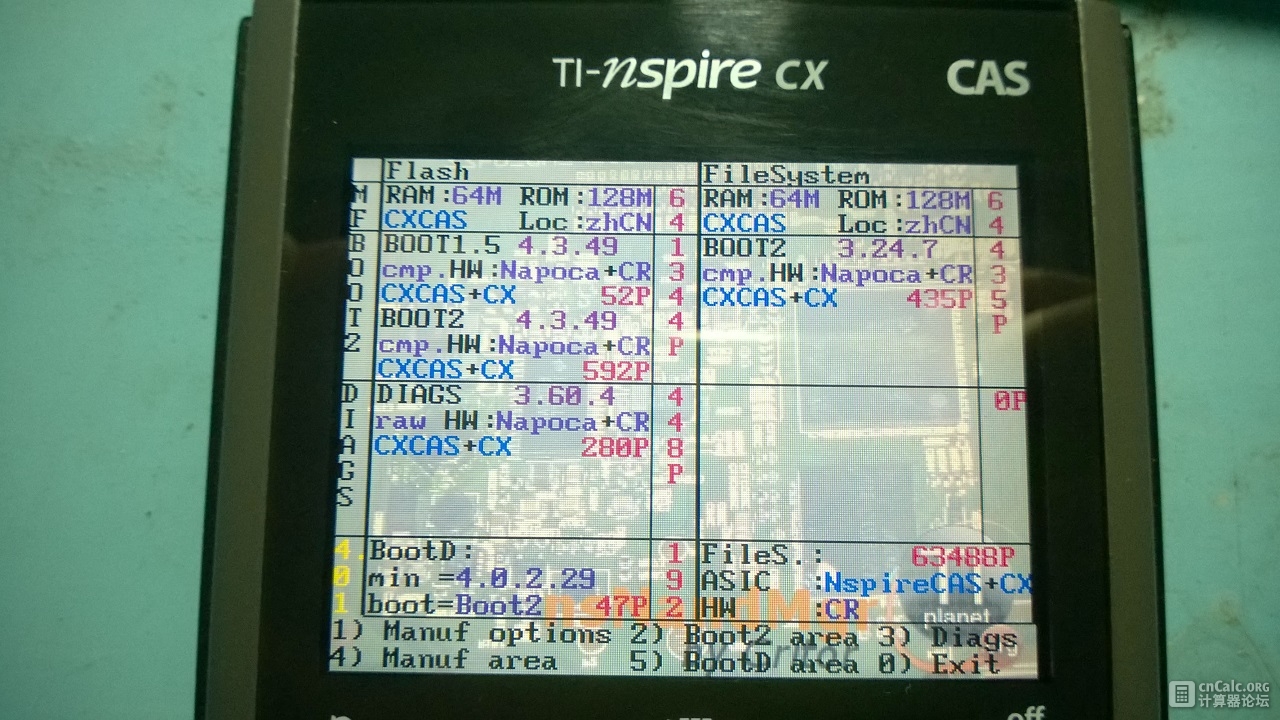
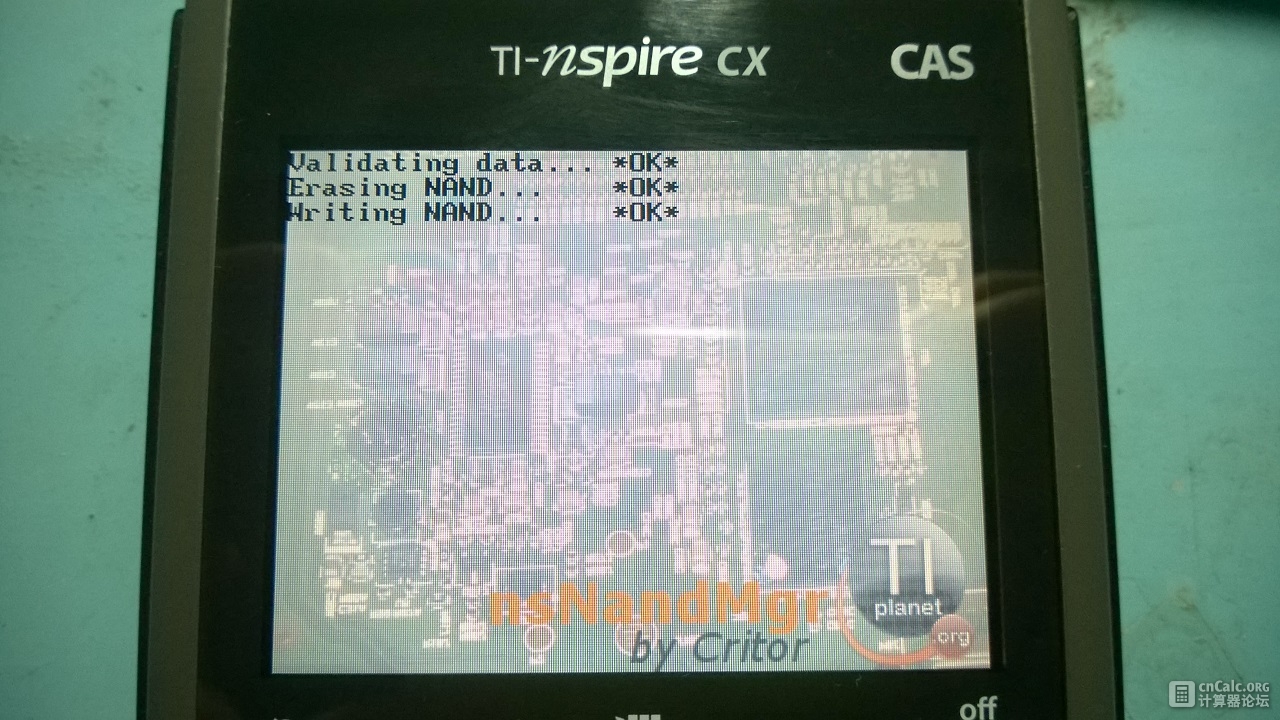
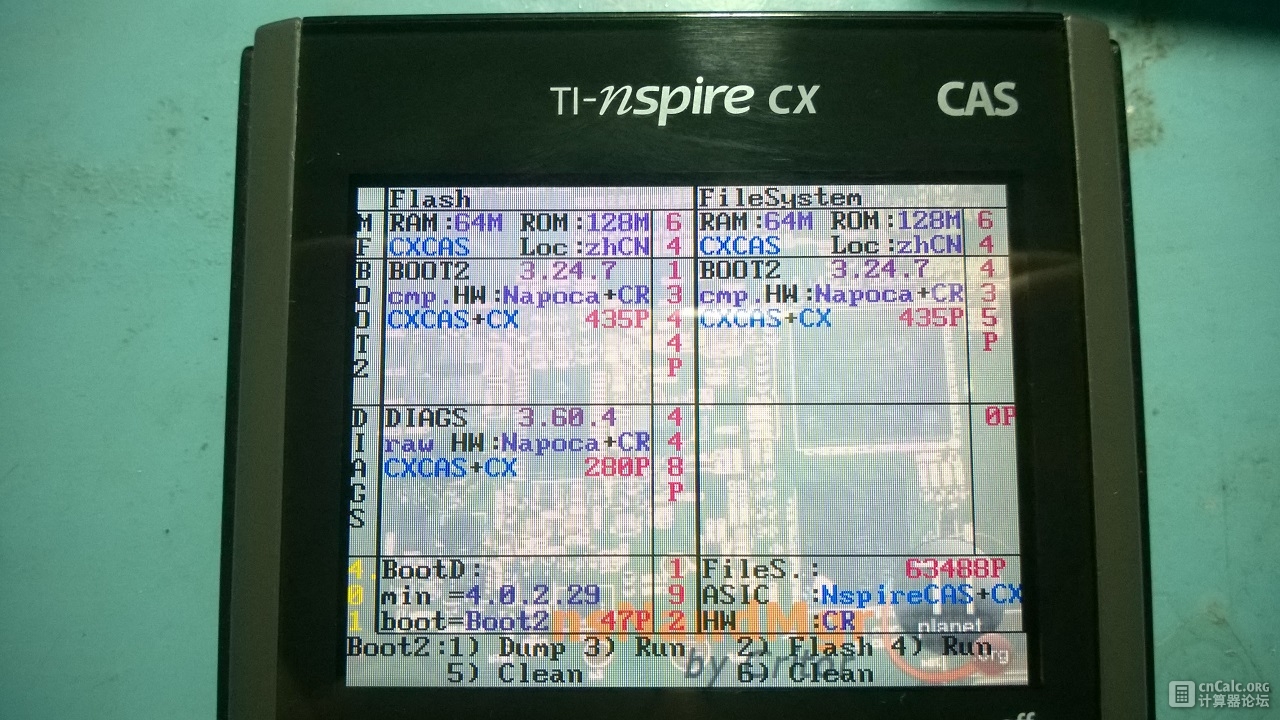
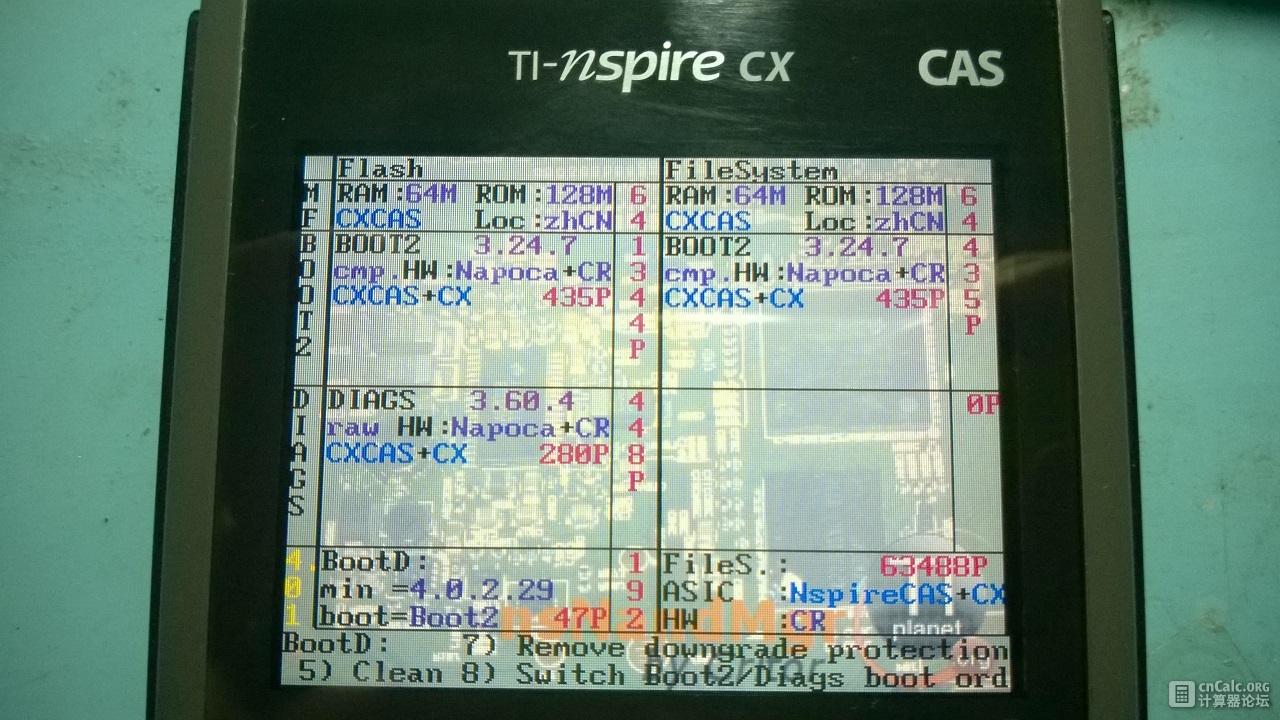
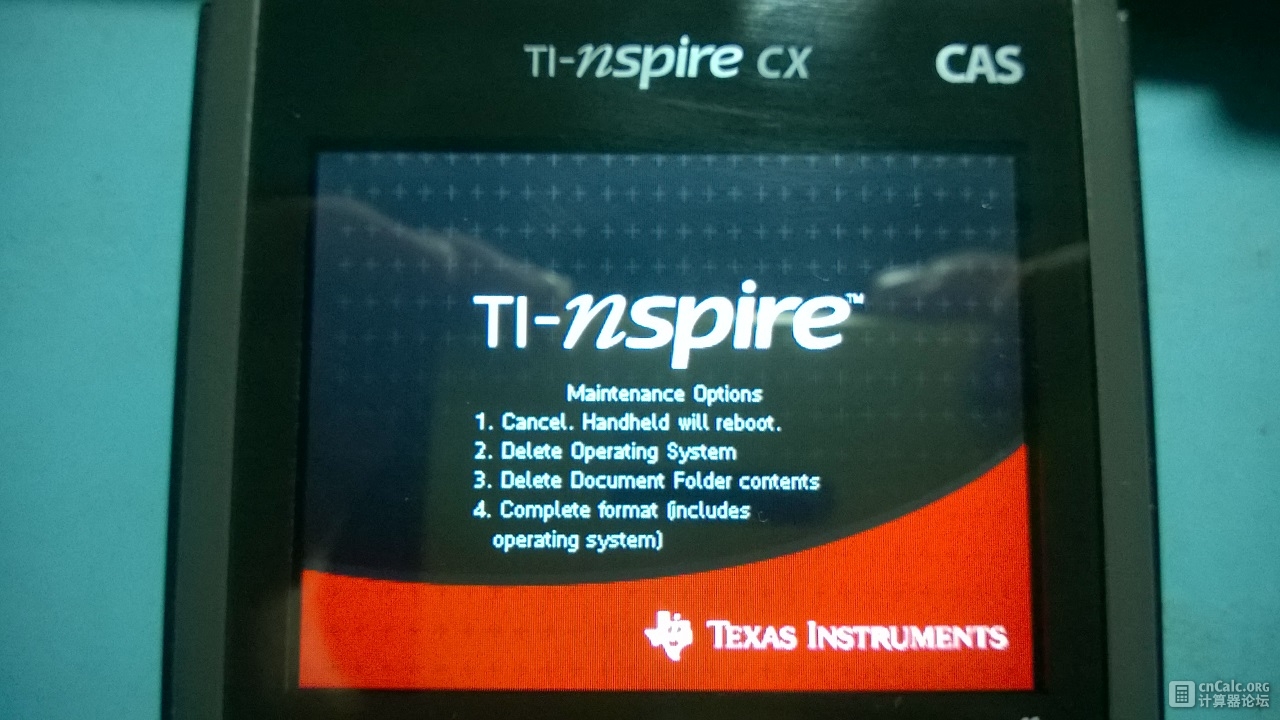
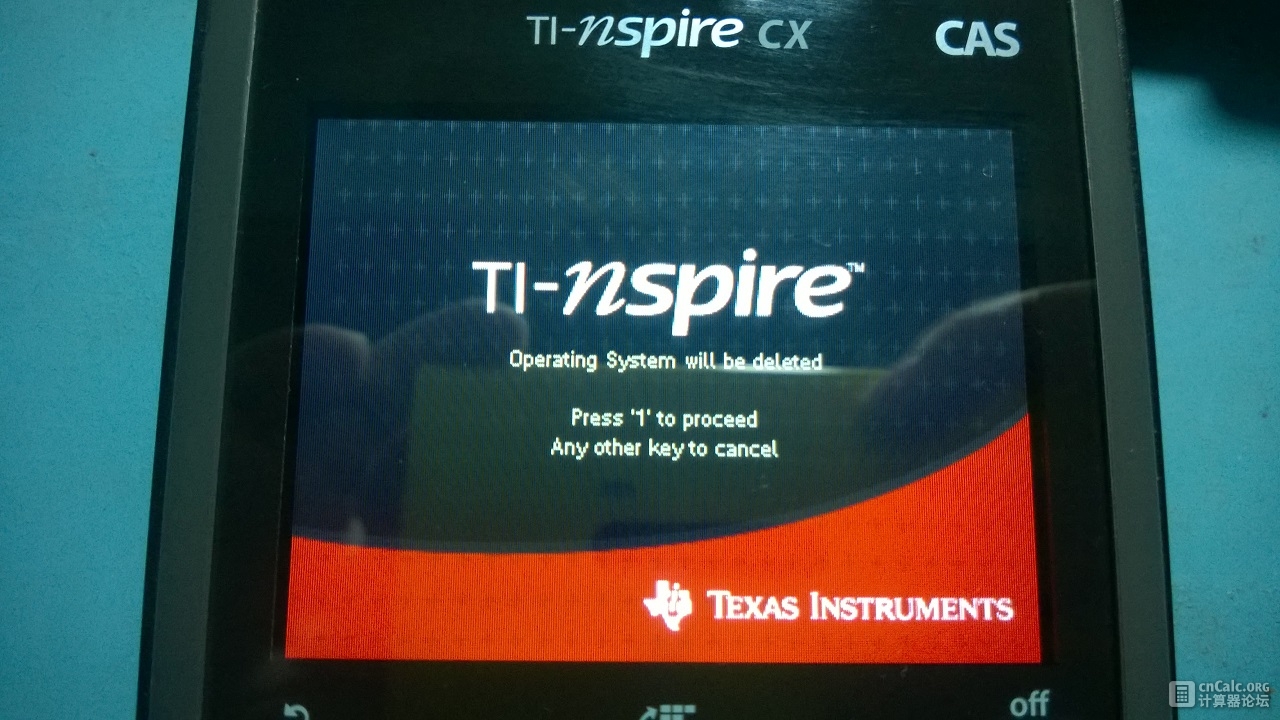
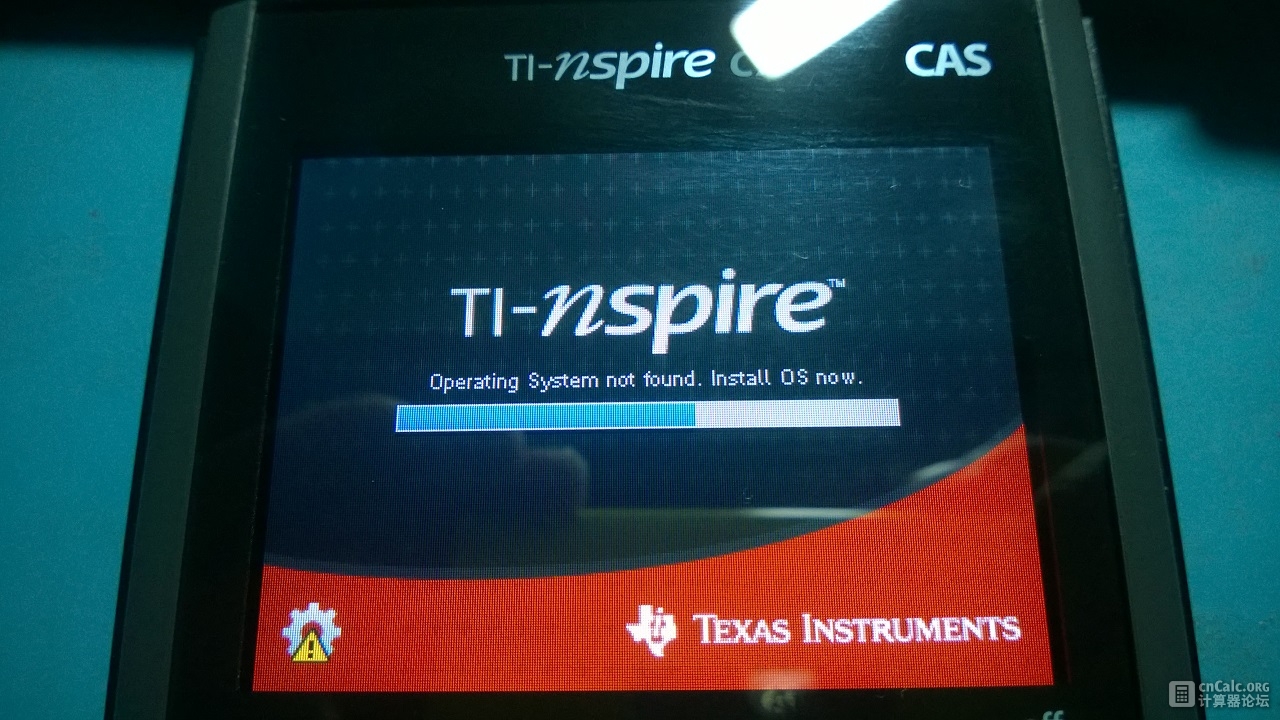
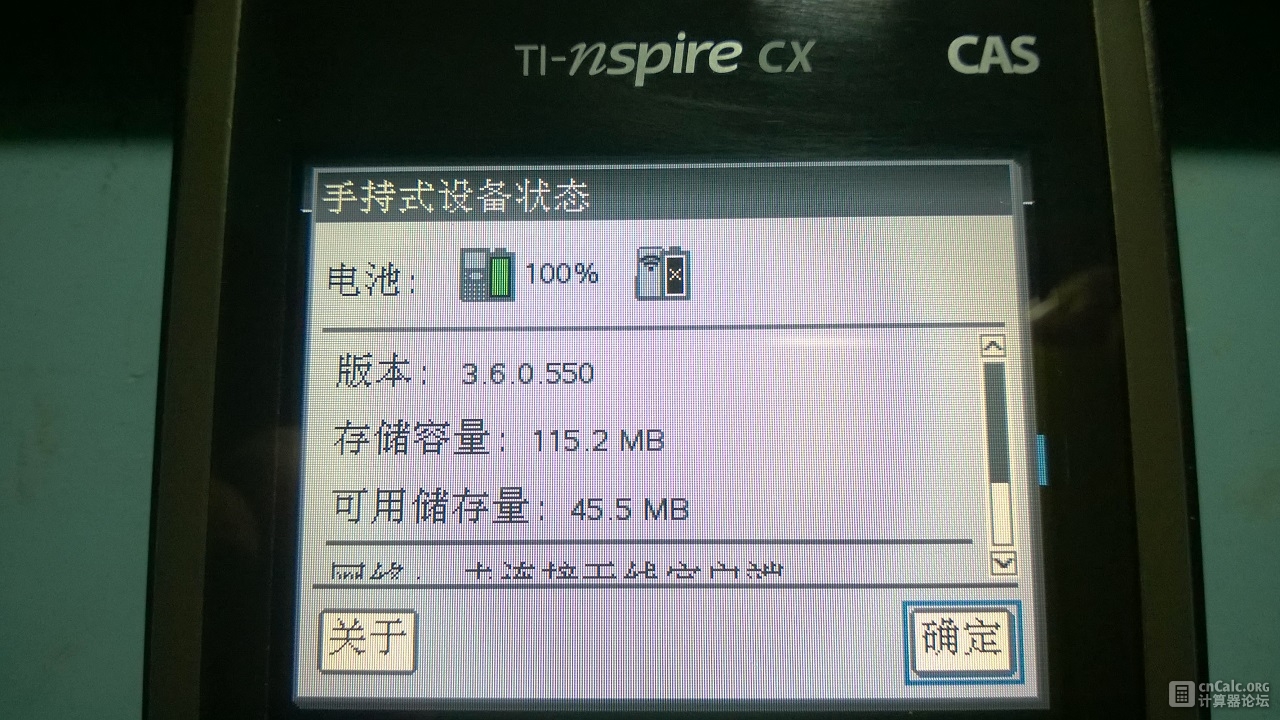
众所周知,Ndless团队放出了Ndless for OS 4.0.3之后,新一批Nspire CX/CX CAS也可以拿来玩了。但相信这批使用4.0的用户之中肯定还有从3.X时代升级过来的人,升级到4.0.3之后用Ndless各种不爽,各种重启,各种缓慢,想降级回3.X。那么本教程就是为此情况编写的。
补充:由于发布了Ndless 4.2,故Nspire OS 4.2也适用于本教程。
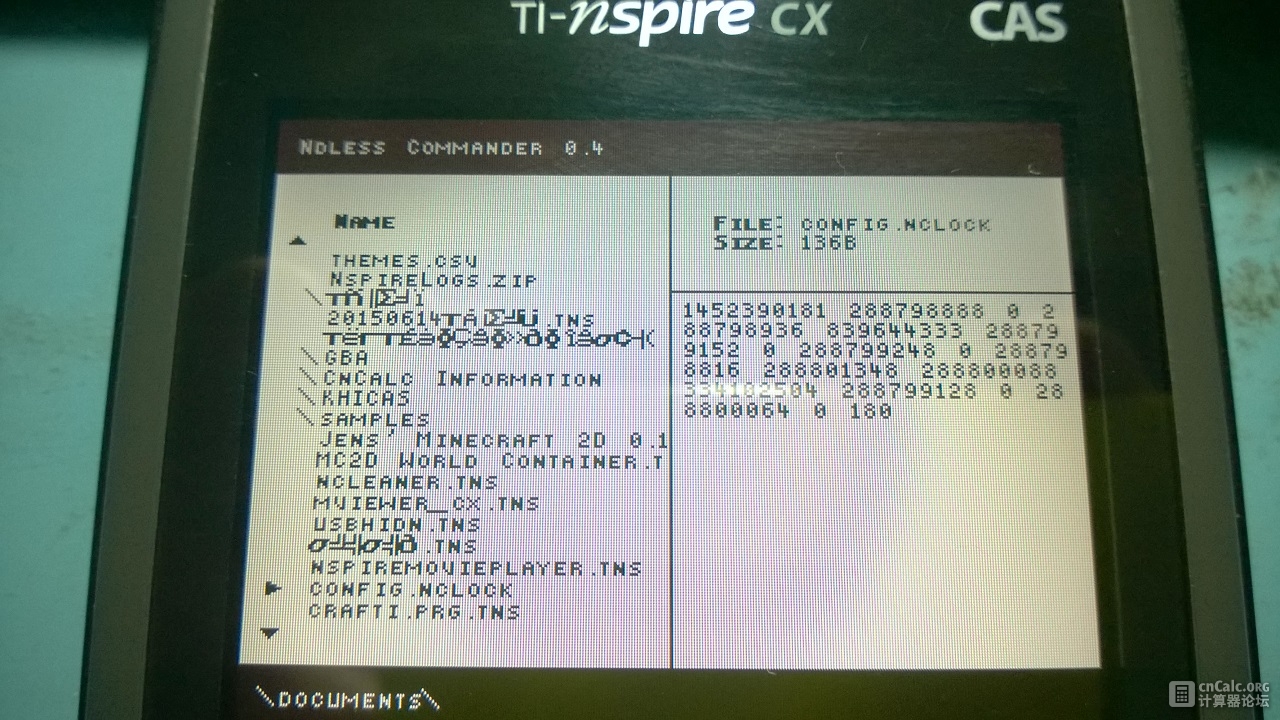
@critor After I downgraded to OS3.6.0.550, I still find the nClock doesn't work and the calculator reboots. I use Nspire Commander and find out there is a file named config.nclock . Is there any way to remove this file except rename nClock.tns or delete all of the documents?
P.S. Thanks to @超越说 (You can call him Icymoon), with his little program, I'm finally able to remove config.nclock and initialize nClock 1.07 properly. clearnclock.tns(23.29 KB, 下载次数: 22)
the operating system file is corrupt or invalid
please go to education ti com to get a new os file
you cannot install a version of the os that is older than the currently installed version




 发表于 2016-1-10 01:18:53


 沉默卡
沉默卡 变色卡
变色卡 千斤顶
千斤顶 显身卡
显身卡 楼主
楼主